
Share your photos, but not your identity.
Hide Faces covers every face in your photos with an emoji, paint, blur, pixels or a bar, and saves a copy with no location, camera or time hidden in the file. It all happens on your iPhone.

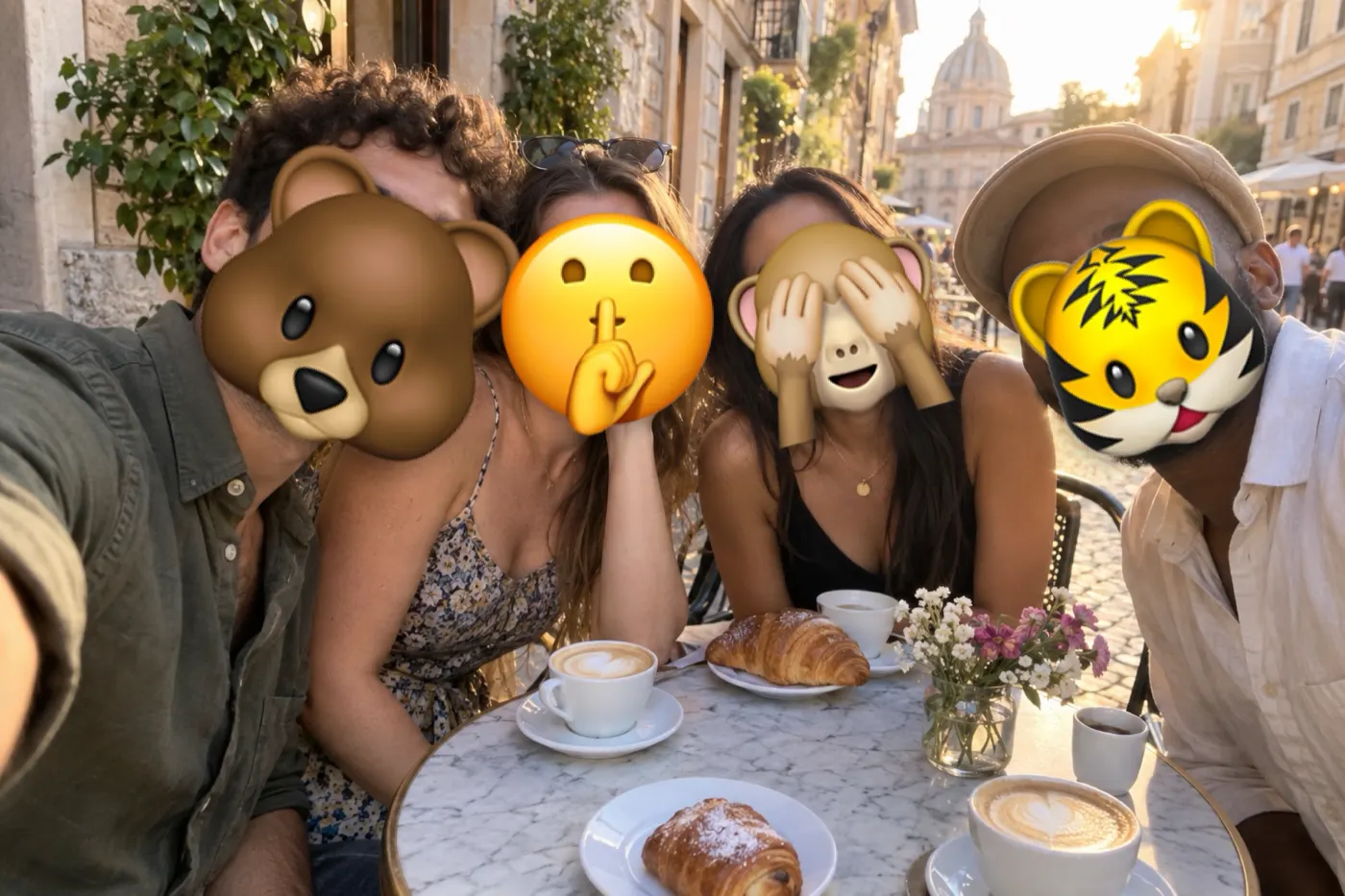

Drag across the photo to compare
For every photo with people in it.
Not everyone in your photo wants to be online. With Hide Faces, they don't have to be.
-

Kids in the park
Share the day without sharing their faces.
-

Friends at the festival
Post the night. Let them decide about their own faces.
-

The team photo
Celebrate the launch without putting everyone online.
-
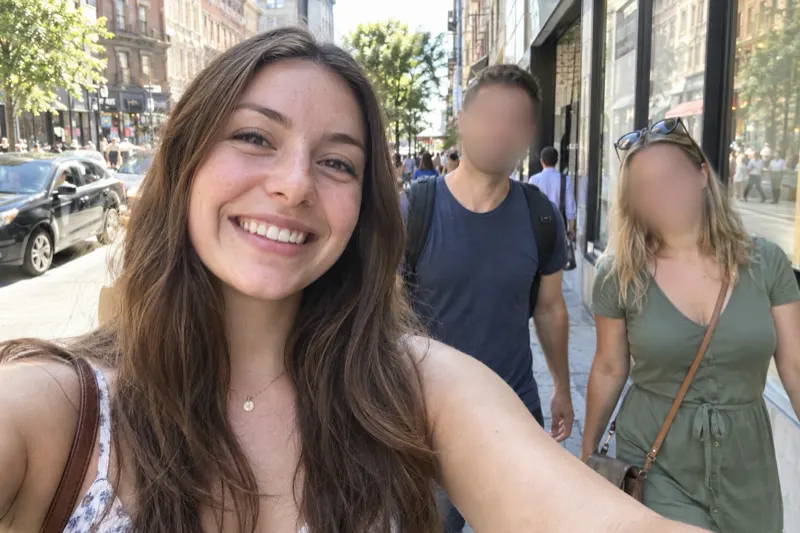
Strangers in the background
Keep your own face. Cover the people who never asked to be in it.
Five ways to hide a face.
Use one look for a whole batch, or give each photo its own.
-
 Blur
-
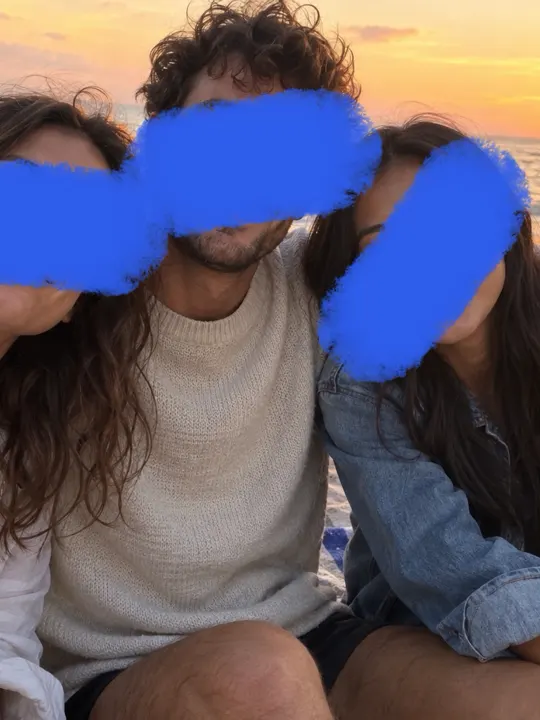 Paint
-
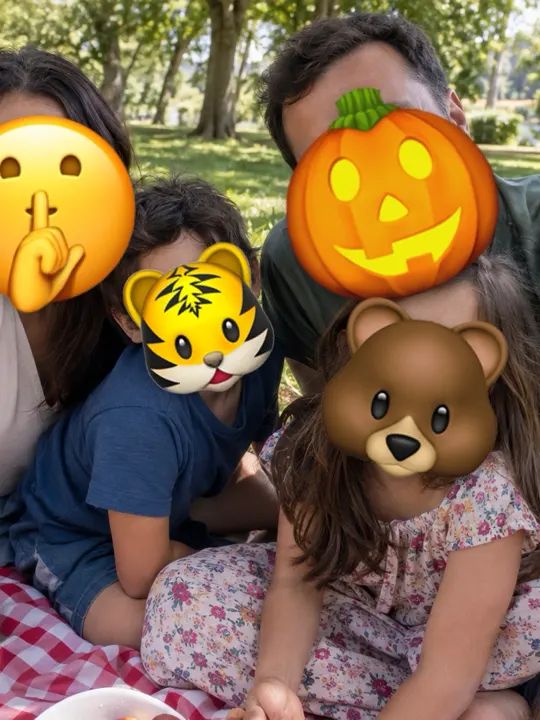 Emoji
-
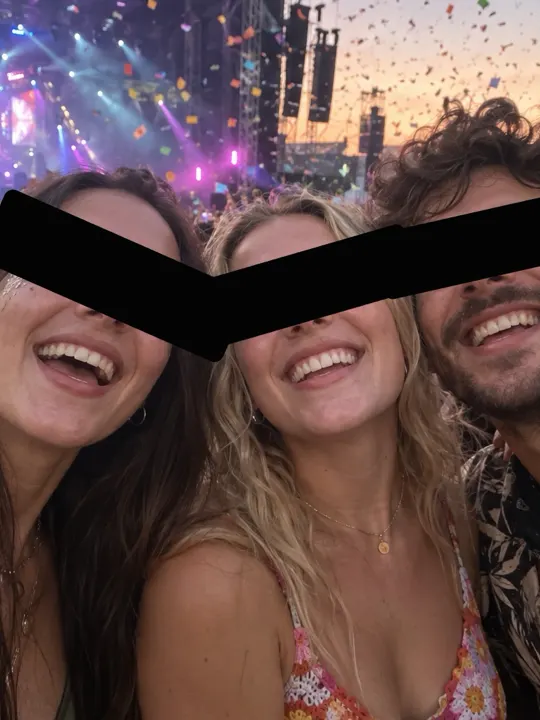 Bar
-
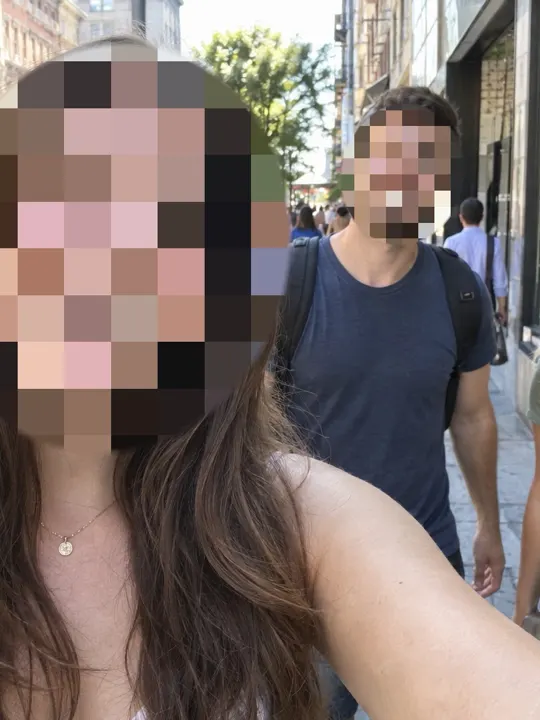 Pixelate
- Blur
- A soft blur that follows the shape of the face.
- Paint
- One swipe of a real brush, in five colours.
- Emoji
- A solid emoji sized to fill the face. Each face can get a different one.
- Bar
- A bar across the eyes or over the whole face, in black or white.
- Pixelate
- Big square pixels over the face.
Three steps, then post.
-
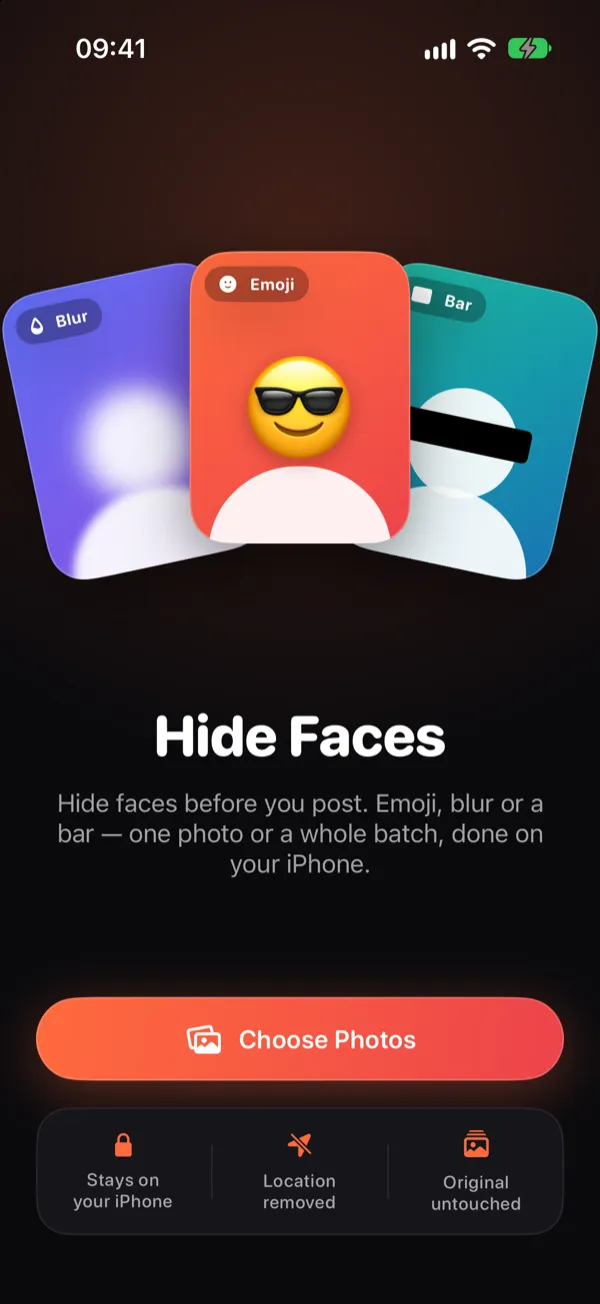
Pick up to 20 photos.
The app sees only the photos you pick. It never needs your whole library.
-
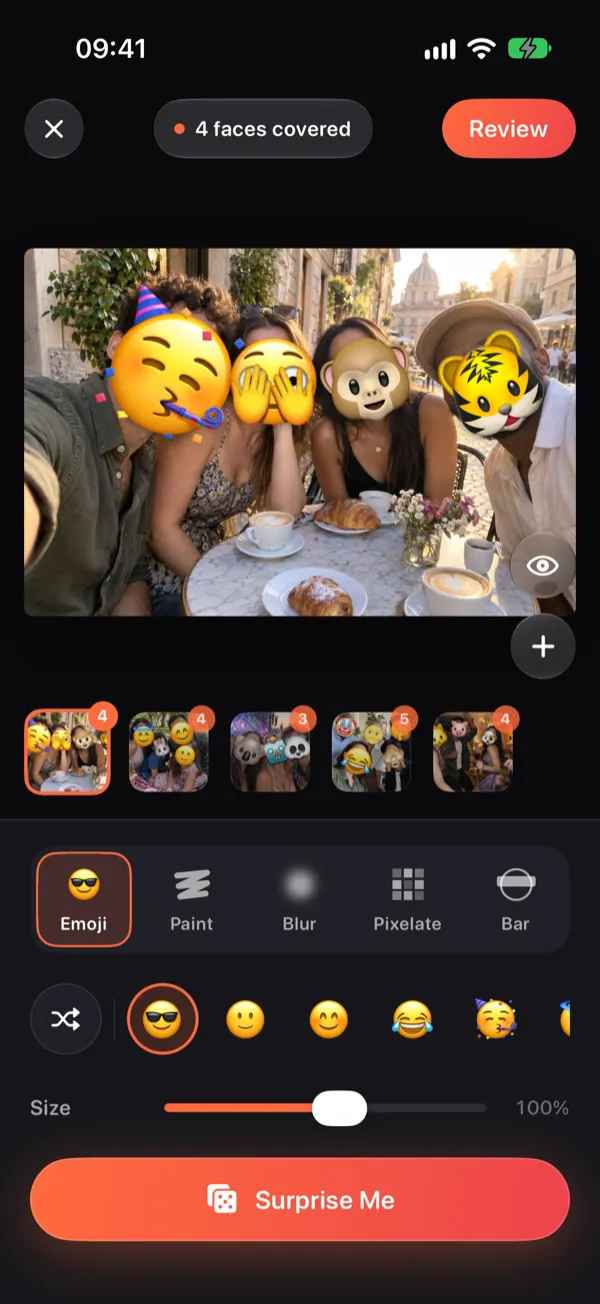
Every face, covered.
Faces are found on your iPhone and covered straight away. Remove a cover, add one, or move, resize and rotate it by hand.
-
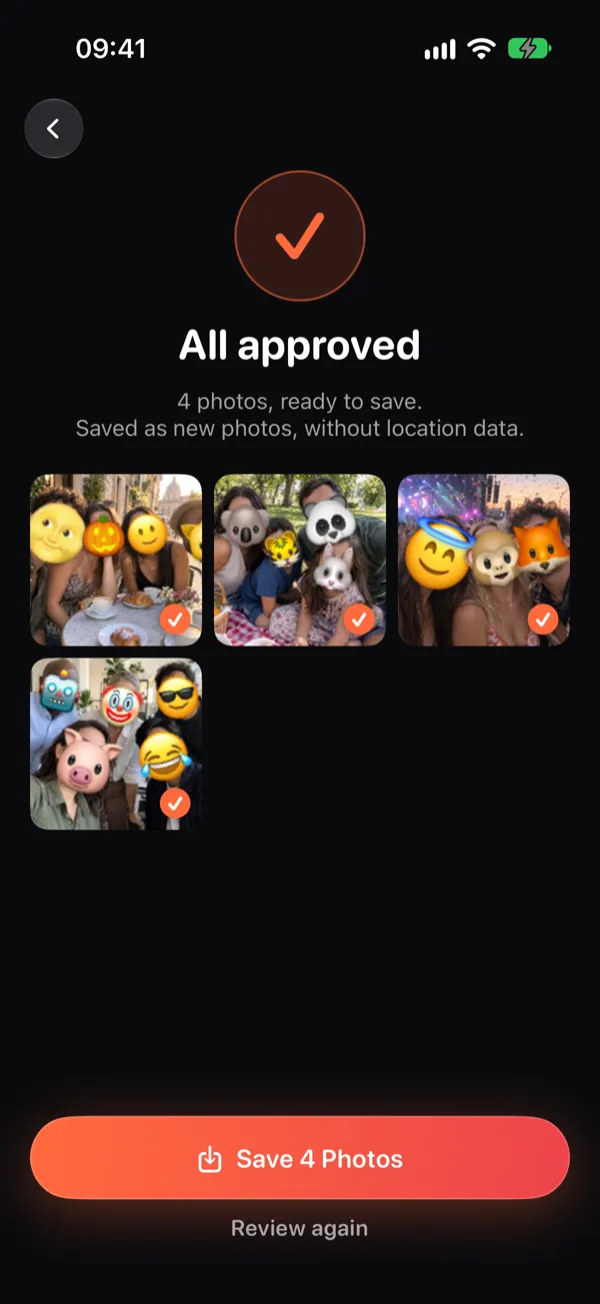
Review, then save.
Check each photo full screen and approve it. The covered copies are saved as new photos, and your originals don't change.
Your photos stay on your iPhone.
- Faces are found on the device, with Apple's Vision framework.
- There's no account and nothing to sign in to.
- Nothing is uploaded. The app only goes online to the App Store, when you buy.
- It can add photos to your library, but never reads it.
- Saved copies carry no location, camera or time.
| Detail | Original | Covered copy |
|---|---|---|
| Location | 52.3731° N, 4.8922° E | removed |
| Camera | iPhone 17 Pro | removed |
| Lens | 24 mm, f/1.78 | removed |
| Taken | 12 July 2026, 18:42 | removed |
| Faces | 4 visible | 4 covered |
The copy is made straight from the pixels, so none of these details come along.
Free to try on iPhone.
Get Hide Faces on the App Store10 free photos every month. Questions go to support@hidefacesapp.com.